The Phone Switch Nightmare
You bought a new phone. Now you're scrambling to find those crucial texts from your old device.
SMS Drive is the companion app that securely backs-up, syncs, and restores all your text messages across all your Android devices—without ever needing to change your default sms app.
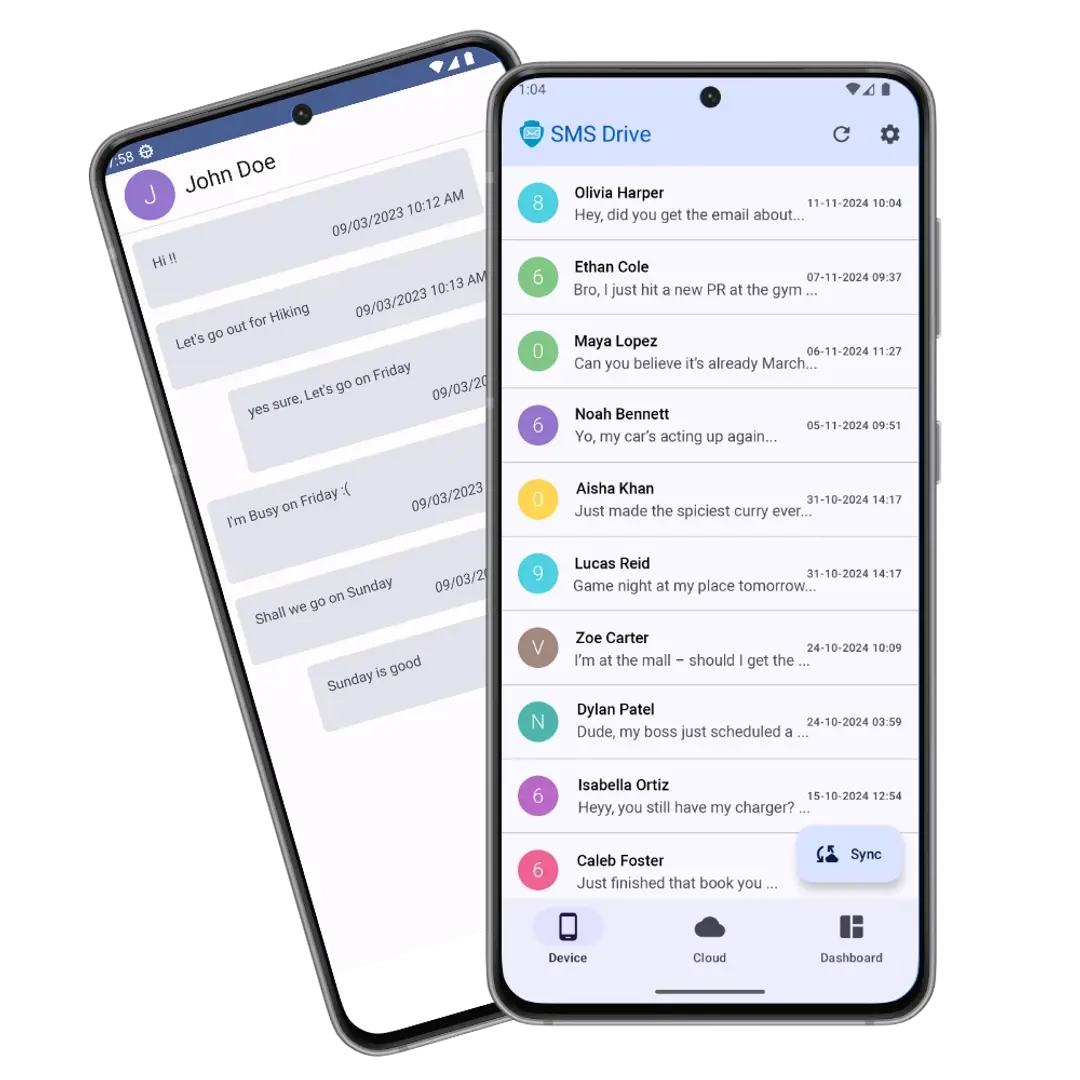
Watch how backup, restore, sync and export work in under two minutes — no technical setup needed.
Your texts hold OTPs, deals, proof, and memories. One switch, reset, or full storage — and years of them can vanish in seconds.
You bought a new phone. Now you're scrambling to find those crucial texts from your old device.
Factory reset looming? The fear of losing years of important personal or professional messages.
Your device is full, and you're tempted to delete old chats — but you don't want to lose them forever.
You need a record for a client, a legal matter, or a billing dispute, but you can't easily export the conversation.
Old SMS threads full of precious memories of your special ones — you need to preserve them, not delete them.
There's a fix
Never lose a message again.
SMS Drive auto-backs up every SMS, so you can switch, reset, or clear space — worry-free.
Stop worrying. SMS Drive is the dedicated, encrypted drive for all your text messages. It gives you the power to Sync, Backup, Restore, & Export your entire conversation history with unmatched simplicity and security.
Backup once — then restore in seconds or export clean files whenever life, work, or a new phone demands it.
Zero Stress Recovery
Switch phones, get a new device, or factory reset — your history is restored instantly.
Professional Readiness
Easily generate clean, readable files for legal records, billing, or sharing with anyone — without needing the original phone.
Set It and Forget It
Never manually back up again. Let SMS Drive handle the heavy lifting in the background.
Your messages are personal. SMS Drive keeps them yours — encrypted, private, and always under your control.
Ownership
You keep ownership of your data. It lives securely in the cloud with complete end-to-end encryption.
Encryption
All conversations are protected by industry-leading encryption, both in transit and while at rest.
Privacy
The App is designed to be respectful, only requesting the specific permissions it needs to operate — nothing more.
Real screenshots from the app — clean, simple, and built for everyone. No learning curve, just backup, restore, and peace of mind.
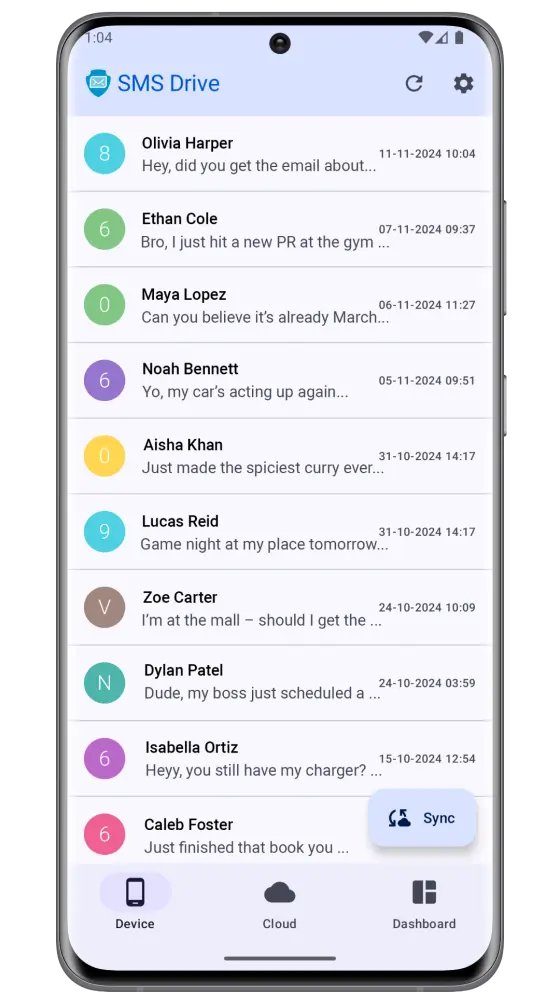
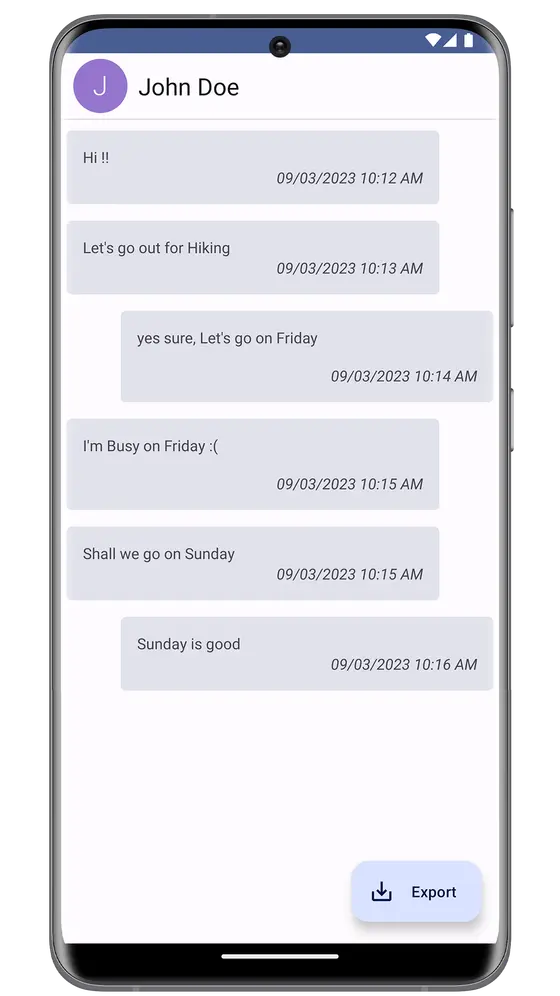
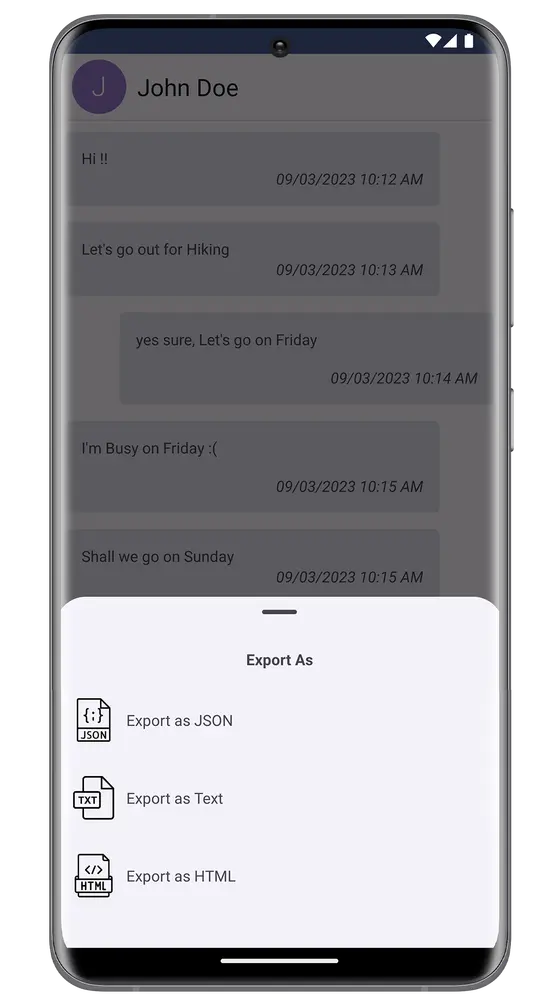
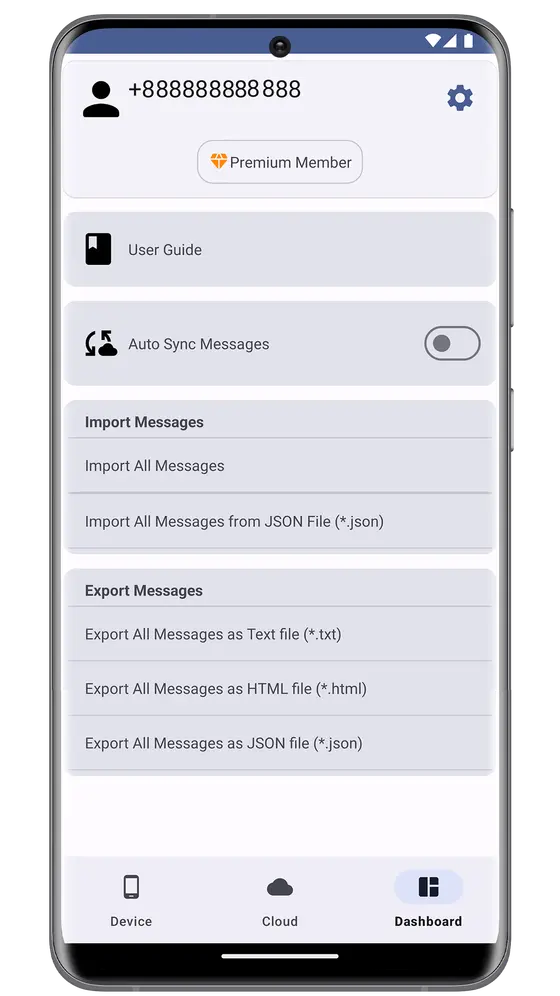
Swipe to explore

Back up once. Restore in one tap when you switch phones. Free to start, no credit card needed.
Automatic updates, verified by Play Protect. Best for most users.

Android 7.0+ • Free
No Play Store? Sideload the latest release directly from GitHub.
Download APKEnable "Install unknown apps" when prompted.View all releases
"Switched phones last week — every message was back in seconds. Effortless."
Real reviews from Google Play. Real backups, restores, and peace of mind — every day.
“A good and compact App for SMS backup. It has its dedicated cloud storage. You just have to Log Up and Log In with your phone number. That's it. Manual Backup is here and Auto Backup option is there too for paid version. Just install the App into the new phone and restore your messages. It can be set Default SMS App as well.”
“it is so good and helpful”
“Best app for storing and restoring important SMS on a device and safe too.”
“Best App for SMS backups, especially sms notifications from banks❤️❤️”
“I love it!! Best app for my daily message backup🙂”
“its awesome app, made my life easy”
All reviews are from real Google Play users.
Step-by-step guides on backup, restore, sync, and recovery — get the most out of SMS Drive.
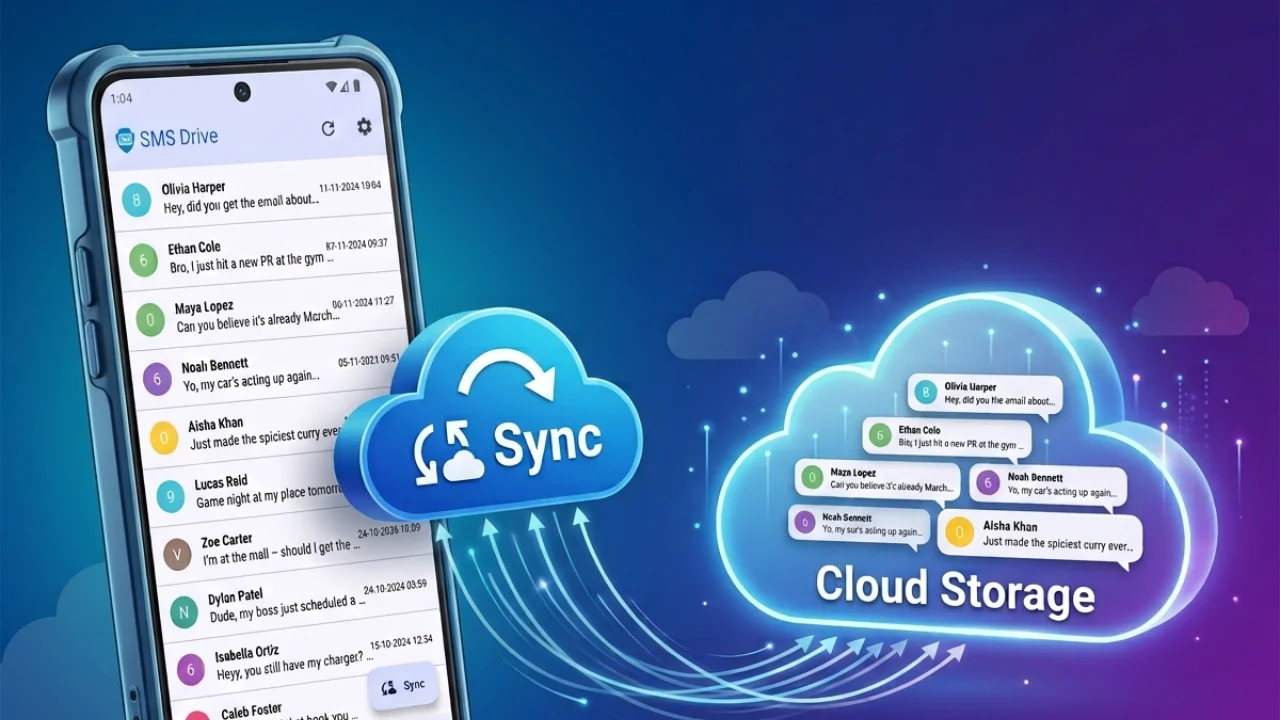
Stop losing important text messages. Set up automatic backup once and secure your memories effortlessly.
Read guide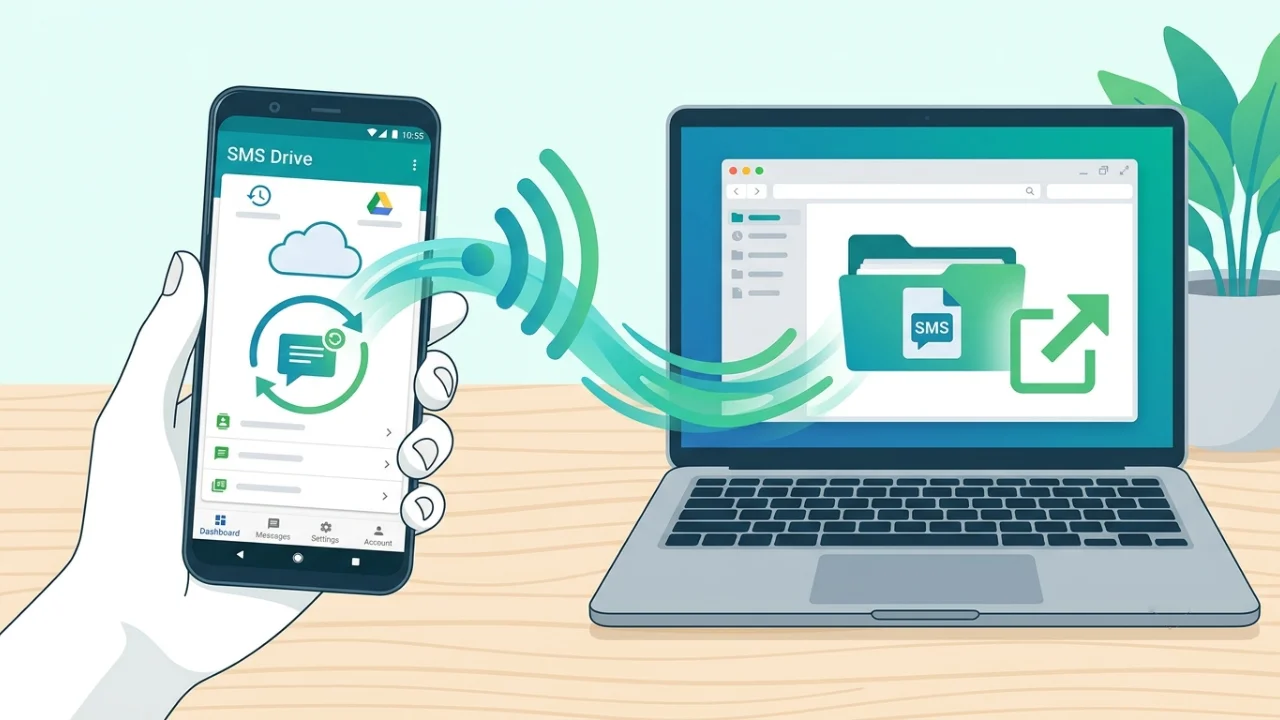
Save, export and restore your SMS data to the cloud in minutes with this step-by-step guide.
Read guide
Tired of the two-phone shuffle? Sync SMS across devices without changing your messenger app.
Read guide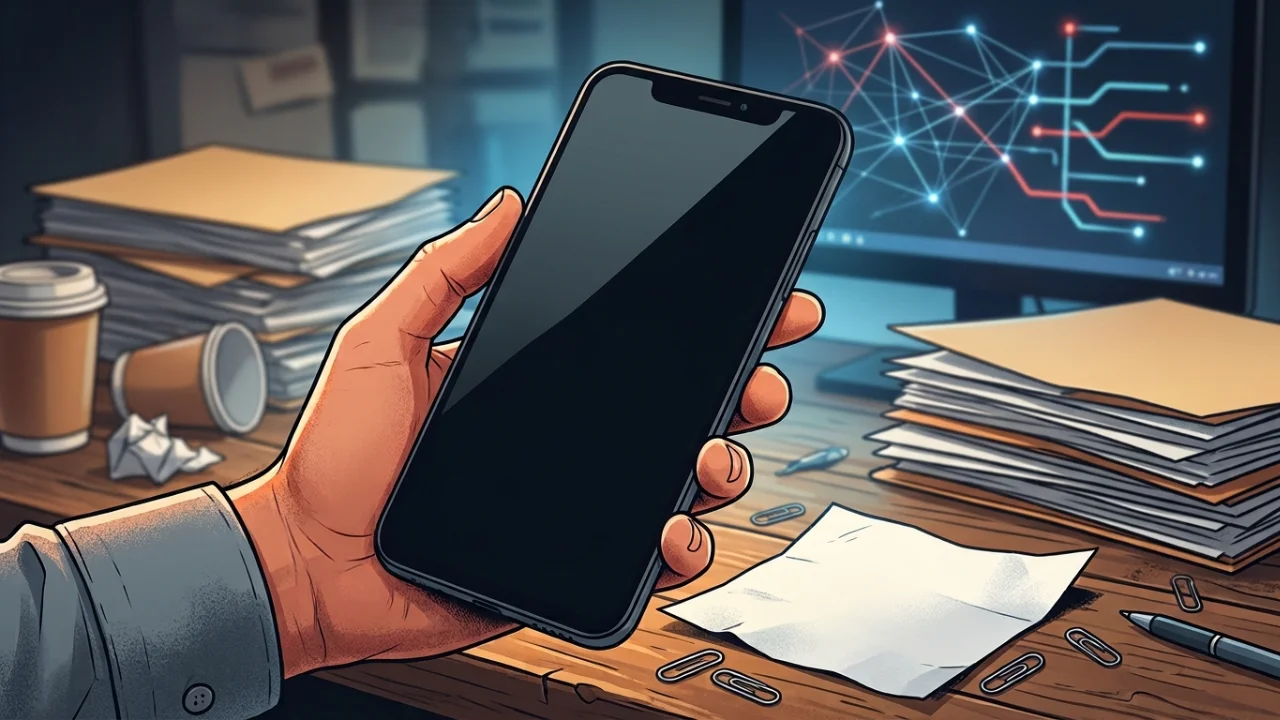
Wondering why your Google Drive SMS backup is not working? Here is the easiest way to secure messages.
Read guide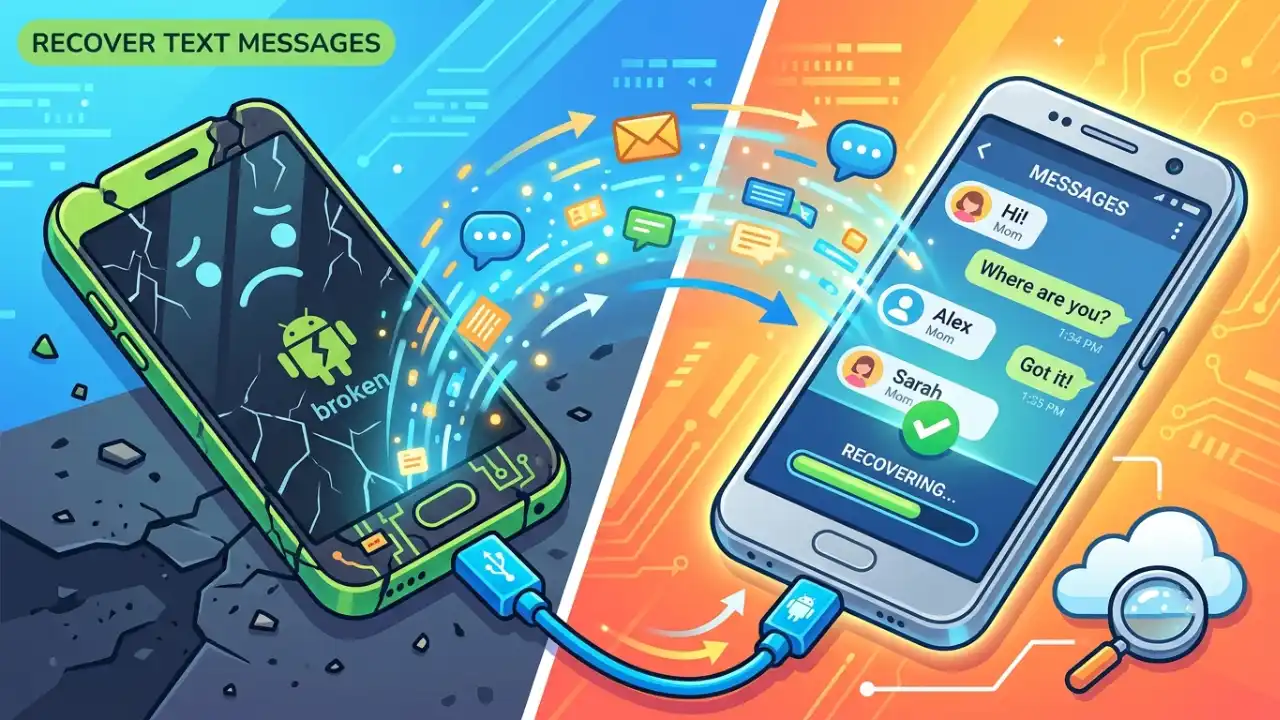
Screen shattered? Learn how to recover texts from a broken phone to your new device with cloud backup.
Read guide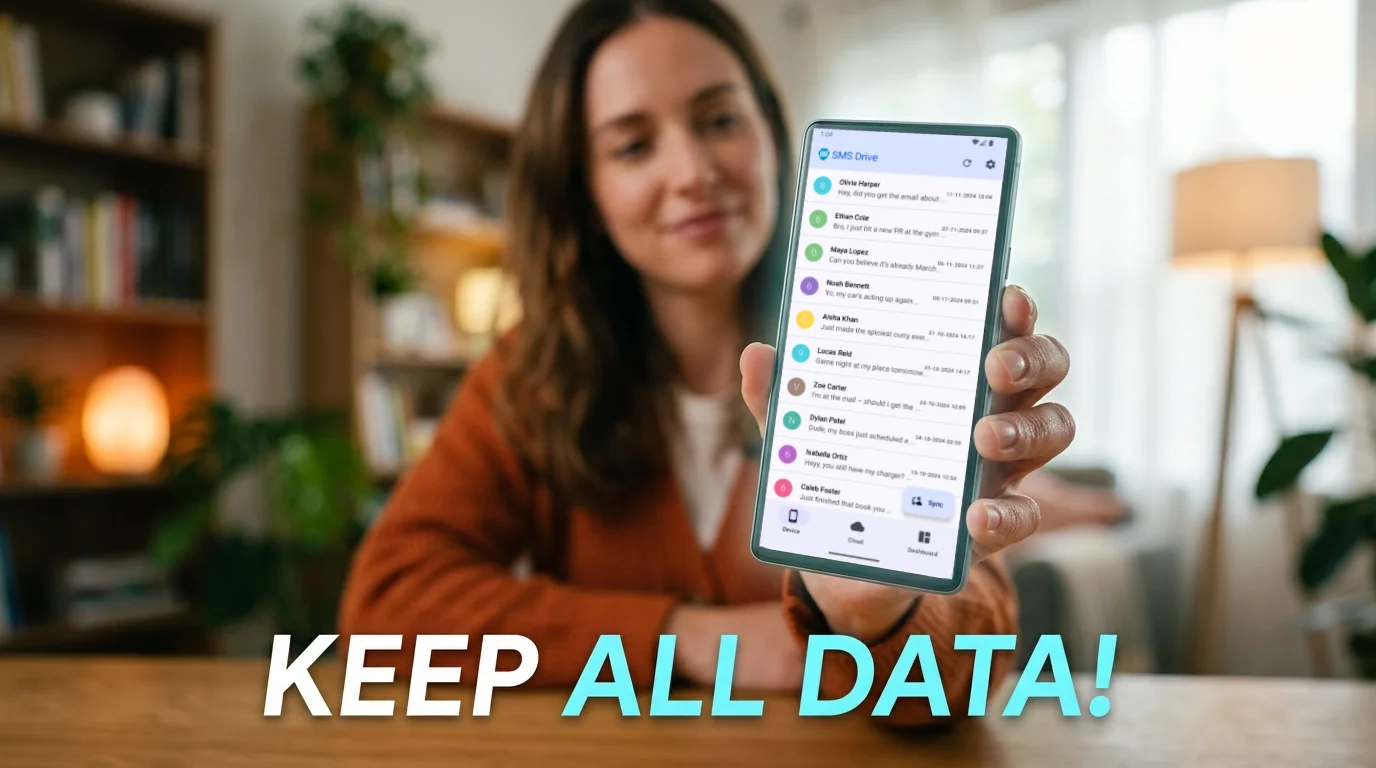
Planning a reset? Backup your texts first and restore them securely with SMS Drive afterwards.
Read guideContact
For all queries or feedback to improve SMS Drive, write to our customer care.
info@deveshrx.comWe usually reply within 2-4 working days.