Turn Your Notes & Tasks Into Lock Screen Wallpapers
Notes on Screen is a free Android productivity app that places your daily to-do lists, reminders, and affirmations directly on your lock and home screens for instant glanceability.


Is Your Memory Overloaded? You’re Not Alone.
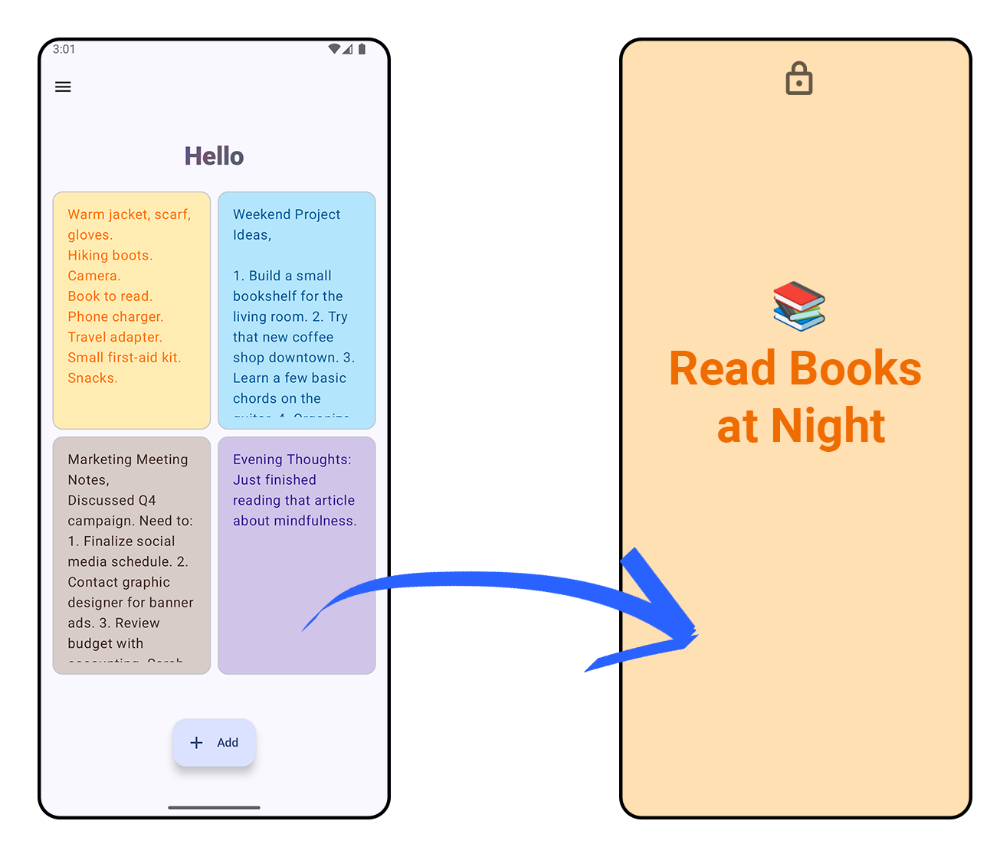
We live in a world of constant distraction. With endless notifications and information vying for our attention, it's easy to forget important tasks, appointments, or goals. This can lead to stress, decreased productivity, and missed opportunities. Notes on Screen offers a simple yet effective solution: bring your essential reminders directly into your everyday view – as your phone’s lock screen and home screen wallpaper.
How Notes on Screen Works: 3 Simple Steps
1. Write Your Notes
Quickly type your essential tasks, daily goals, affirmations, or reminders into the app.
2. Customize Your Wallpaper
Pick vibrant colors and themes that match your style and ensure crystal-clear text readability.
3. Set as Background
Apply your generated note wallpaper directly to your lock screen, home screen, or both with a single tap.
Key Features Designed for Maximum Daily Focus
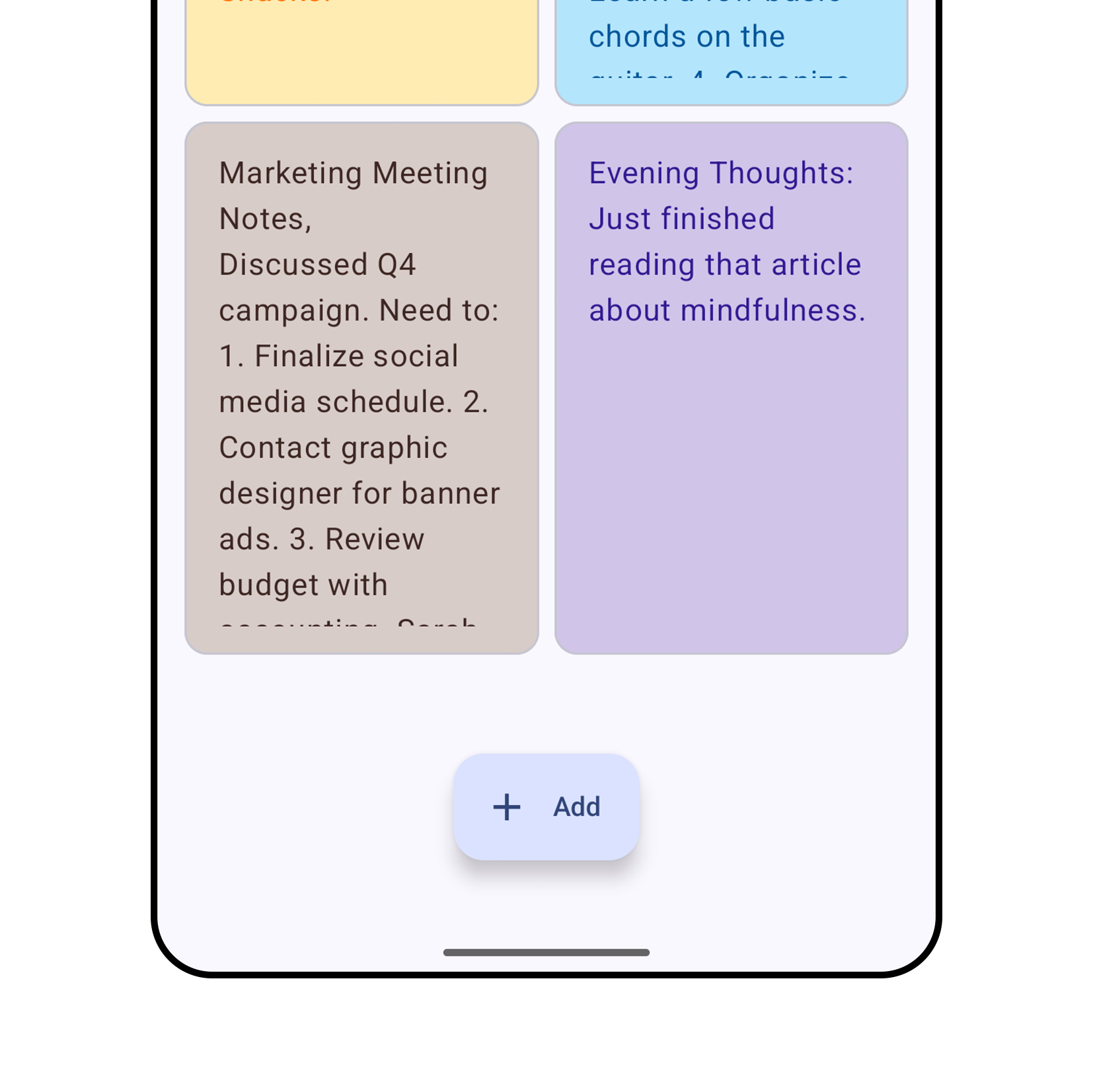
Write & Save Notes
Capture your thoughts instantly. Our lightweight, distraction-free interface makes note-taking fast and seamless.
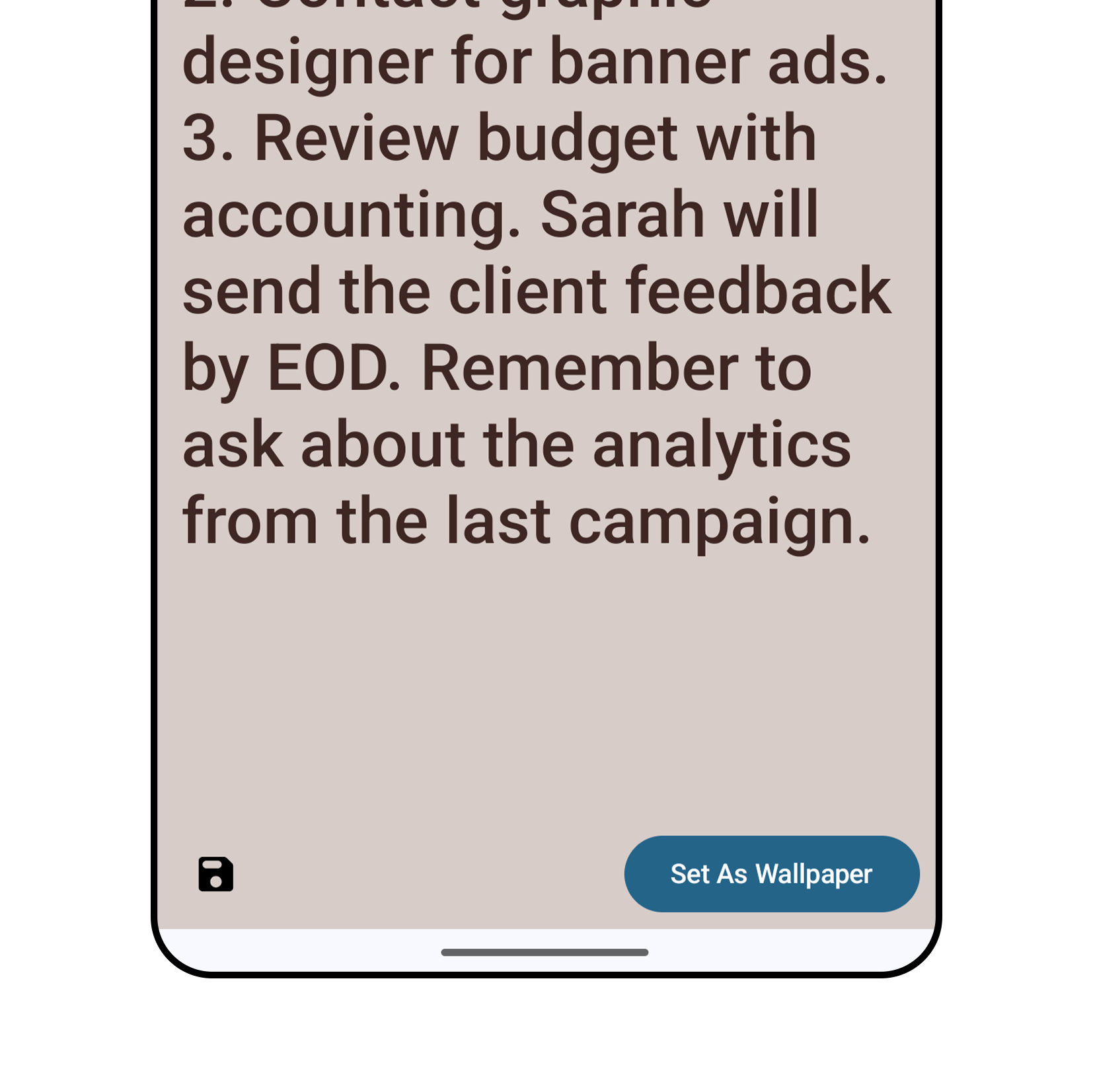
Instant Wallpaper Creation
Turn any saved note into a high-resolution wallpaper formatted precisely for your Android device's screen aspect ratio.
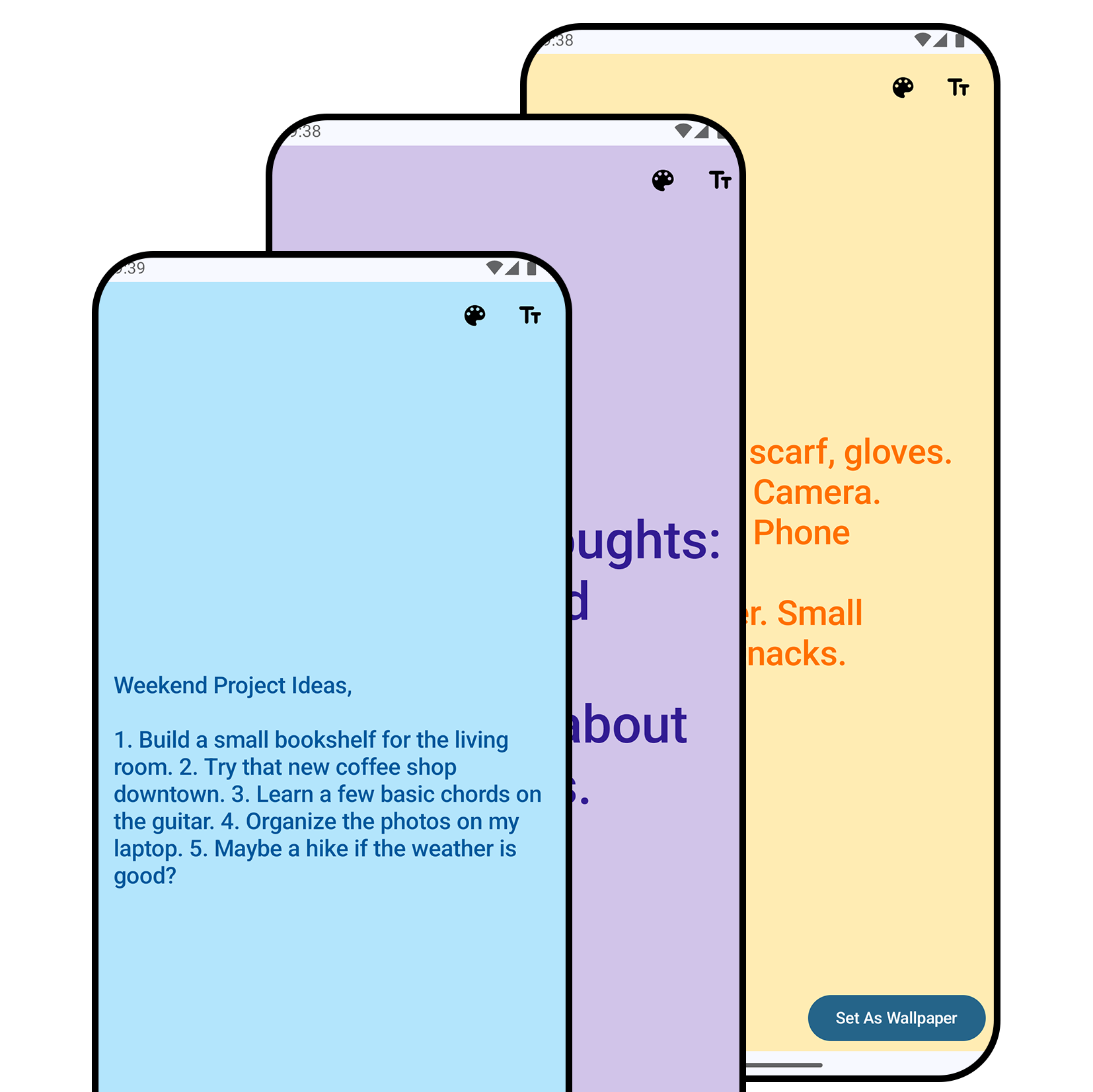
Customizable Colors
Personalize colors, contrast, and style to suit light or dark modes and match your aesthetic preferences.
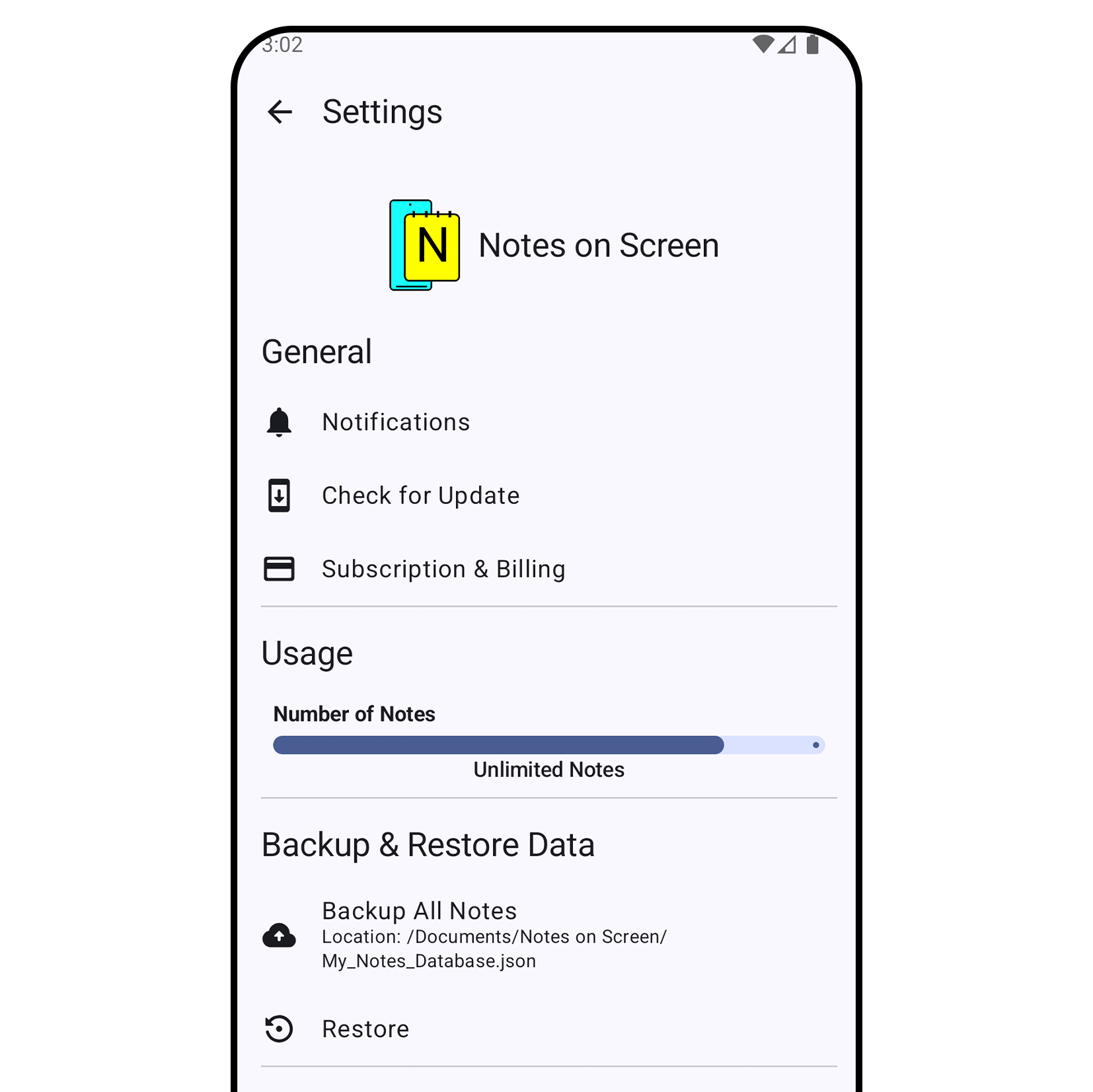
Backup & Restore
Secure your thoughts! Easily backup and restore your notes locally whenever switching devices or reinstalling.
Why Notes on Wallpaper Outperform Standard Note Widgets
Traditional Android sticky note widgets often fail to keep you on track. Here is why setting your notes directly as wallpaper delivers superior results:
0% Background Battery Drain
Unlike widget apps that continuously run background background sync services and drain battery, your note wallpaper is completely static once applied.
Immune to OEM Task Killers
Aggressive Android battery management (Samsung OneUI, Xiaomi HyperOS, OnePlus) frequently freezes widget processes. Wallpapers are handled by the OS and never get killed.
Zero-Second Glanceability
Check your tasks and daily affirmations immediately on your lock screen before unlocking your device, protecting you from getting sidetracked by distracting apps.
Popular Ways People Use Notes on Screen

Fitness & Habit Goals
“Staying motivated to hit my daily 10,000 steps and workout targets!”
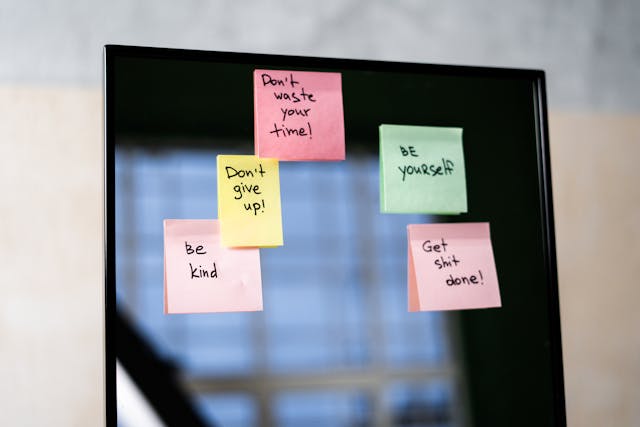
Daily Affirmations
“Starting every morning with mindful self-belief and positive affirmations.”
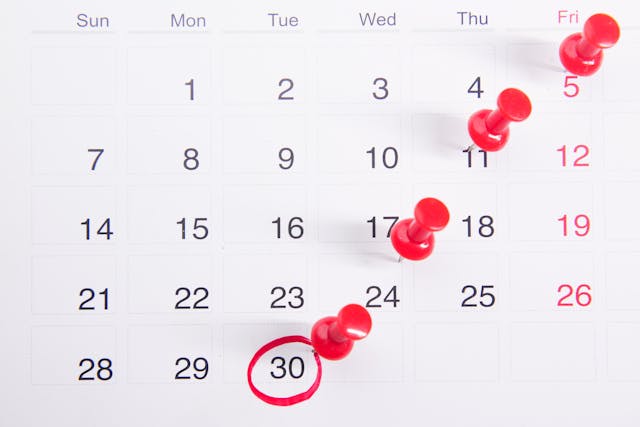
Appointments & Deadlines
“Never miss client meetings, doctor visits, or project deadlines again.”
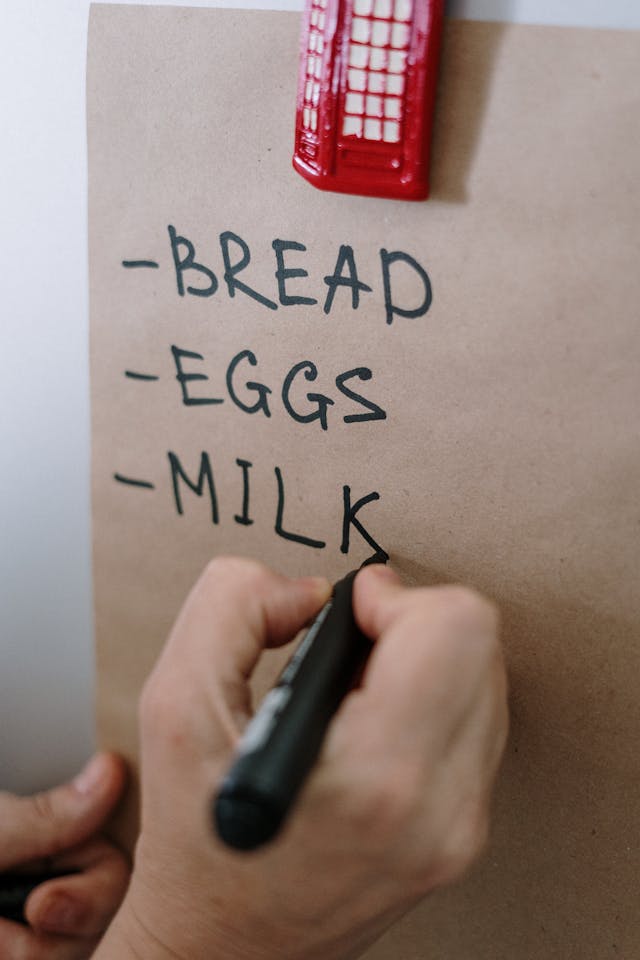
Grocery & Checklist Lists
“Simplify shopping trips with quick glance checklists right on lock screen.”